ESP32-CAM-MB MICRO USB Download Module for ESP32 CAM
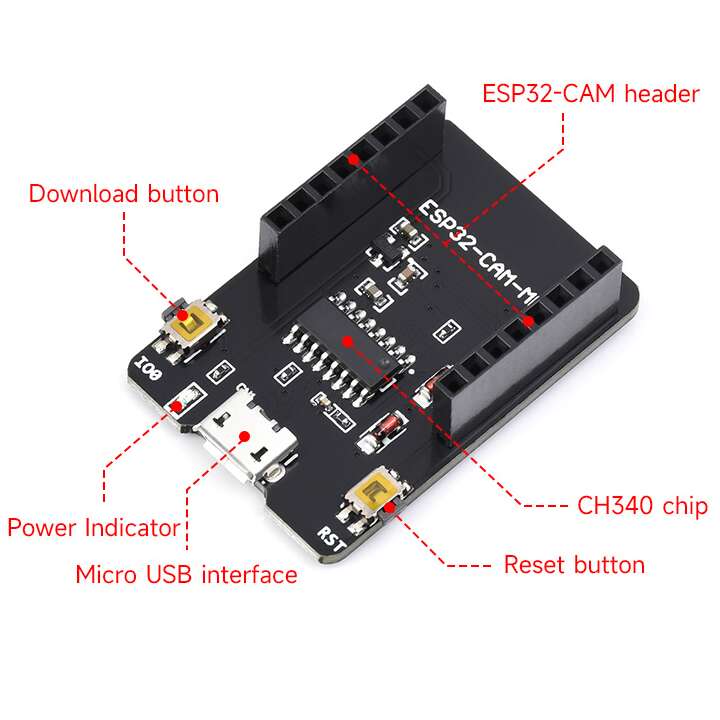
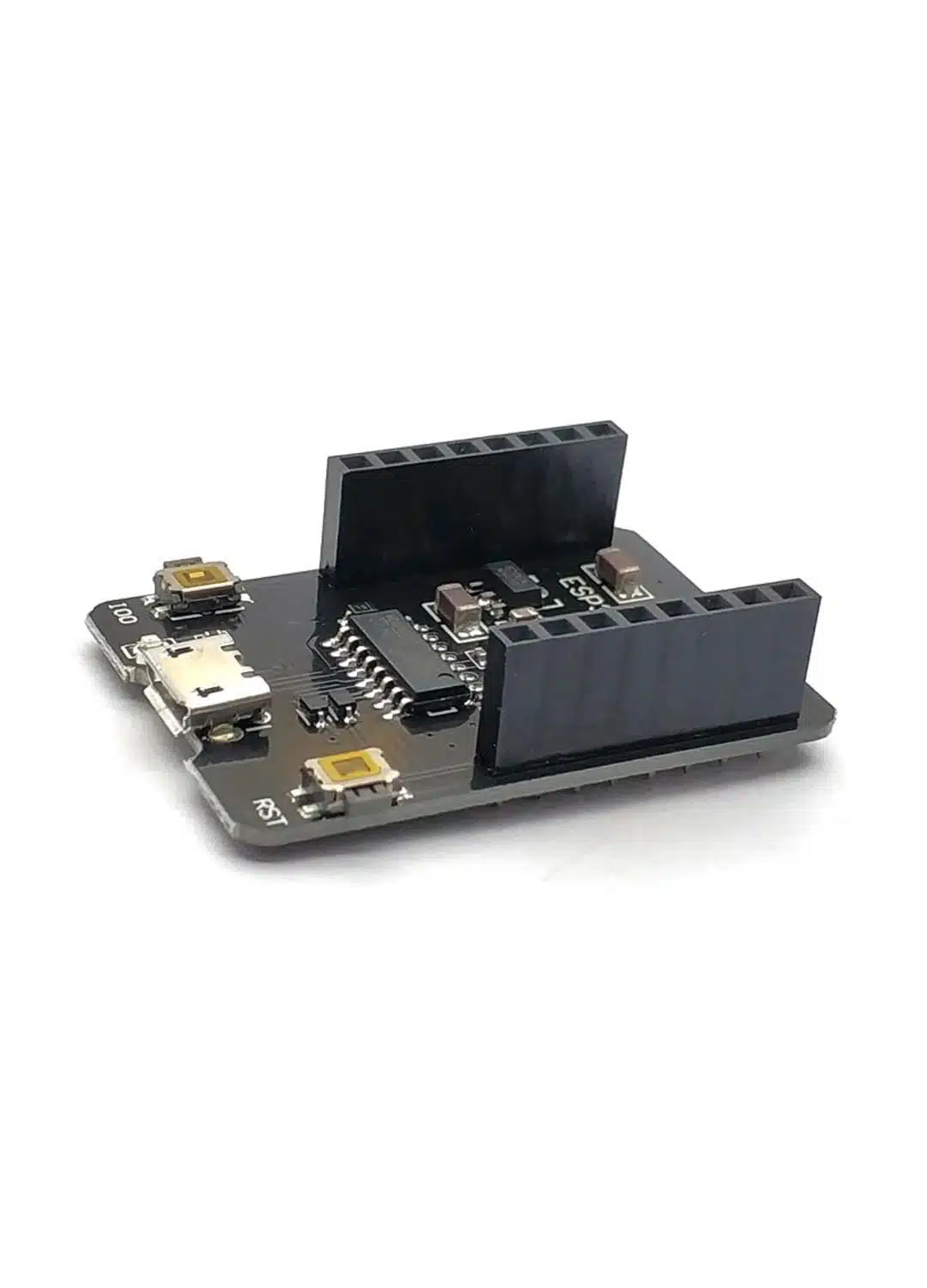
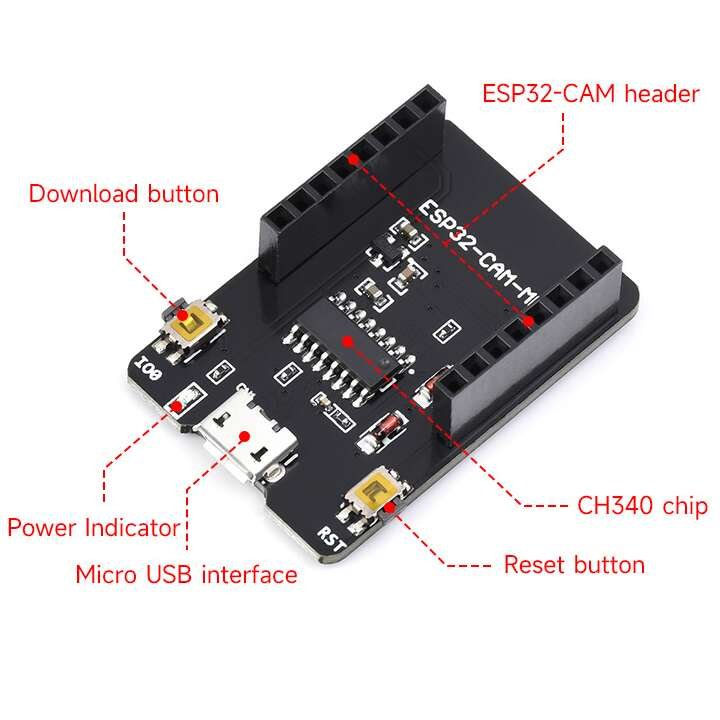
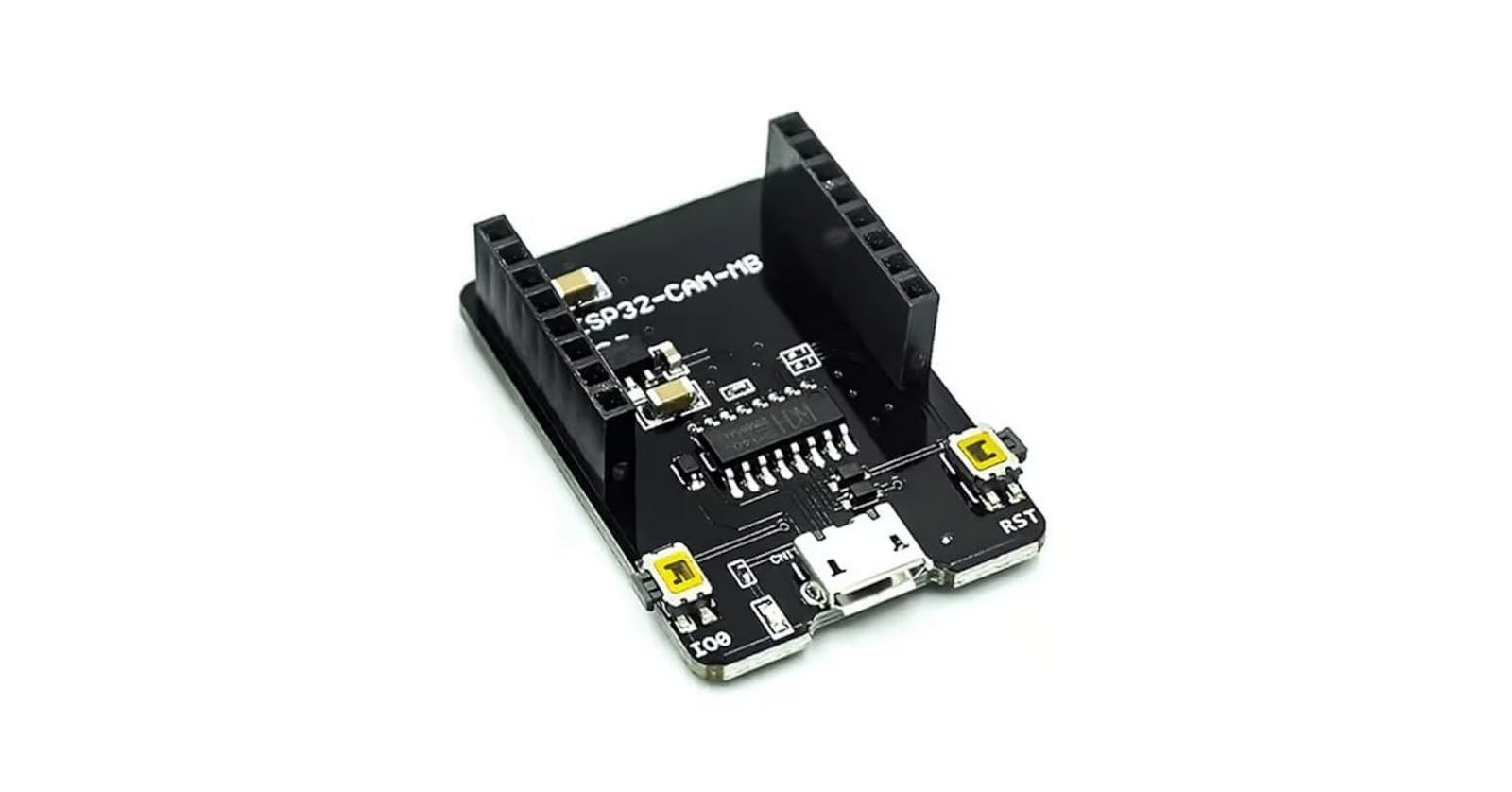
The ESP32-CAM-MB Micro USB Download Module simplifies programming and debugging of the ESP32-CAM board. It acts as a USB-to-TTL programmer, using the CH340G USB-to-serial converter chip. With this module, you can easily connect an ESP32-CAM to your computer via a Micro USB cable for uploading firmware, serial communication, or monitoring.
The module includes a reset button and a boot button. These allow you to place the ESP32-CAM into flashing mode or reset it quickly without extra wiring. It eliminates the need for a separate FTDI programmer and jumper settings, making it beginner-friendly and reliable.
The ESP32-CAM-MB also provides stable power (5V input with onboard regulation for 3.3V logic). Its compact design ensures direct connection with the ESP32-CAM through the dedicated pin header. This direct docking approach makes it far more convenient for developers compared to breadboard wiring.
Whether you are flashing Arduino sketches, uploading MicroPython firmware, or debugging via the serial monitor, the ESP32-CAM-MB offers a simple and reliable interface. Makers, students, and IoT professionals use it widely in camera-based projects such as remote surveillance, image processing experiments, and AI camera systems.
Key Features
Designed for ESP32-CAM board programming and debugging
Onboard CH340G USB-to-Serial converter
Micro USB port for easy connection
Integrated reset and boot buttons
Provides stable 5V power and 3.3V logic levels
Compact, plug-and-play design
Eliminates the need for external FTDI modules
Product Specifications
| Specification | Details |
|---|---|
| Compatible Board | ESP32-CAM |
| USB Interface | Micro USB (via CH340G) |
| Chipset | CH340G USB-to-Serial |
| Supply Voltage (Input) | 5V (via USB) |
| Logic Level | 3.3V ‘ |
| Buttons | Reset (RST), Boot (IO0) |
| Dimensions | ~ 33 mm × 25 mm (approx.) |
| Operating System Support | Windows, Linux, macOS (drivers required for CH340G) |
Pin Configuration
| Pin Label | Description |
|---|---|
| 5V | Power supply to ESP32-CAM |
| GND | Ground |
| U0R (RX) | Serial data receive |
| U0T (TX) | Serial data transmit |
| IO0 (Boot) | Boot mode selection for flashing |
| RST | Reset signal |
Applications
Uploading firmware to ESP32-CAM
Debugging ESP32-CAM through serial monitor
Power supply interface for ESP32-CAM projects
AI camera projects and IoT prototyping
Educational and development use